
I’ve loaded Meshcore onto mine using the link in the description of the V2 on your website but its impossible to control or add user information, I now can’t load Meshtastic back into the unit so it is how it was supplied. Will you be supporting this device so it can be fully functional on Meshcore with mapping gps location and weather…
WiFi LoRa 32 Expansion Kit V2
1 Like
Links to the current firmwares can be found here: https://heltec.org/project/v4-r8-ex/
The Meshtastic firmware can be flashed by going to the Meshtastic site and use the web flasher. Select your device and then select the folder icon in the firmware box. It will ask you to choose the location of the file you downloaded and then press flash.
The version of Meshcore on the Heltec site is a special version that has the code merged into the firmware needed for the device and has not been officially put into the current firmware yet that is available on Meshcore.io Meshcore does not have a GUI, but the Heltec F&T firmware does and is compatible with Meshcore. They are working on instructions on how to flash that firmware from the Heltec website and should have the instructions posted soon.
1 Like
Im having same problem with my new expansion kit v.2 with esp 32 s3 r8 version I got meshtastic to load to radio I think but screen don’t come on. I did have issues where it would seem to loop over and over I solved that problem by doing full erase and did fresh install but still won’t power up on screen. I did notice meshtastic web flasher only has esp32 s3 r3 version on there site you have to get r8 file from heltec. Guess I’ll wait and see why customer service says!!!
Did you download the factory image from the Heltec website?
I was able to fix it by installing esptool then erasing and flashing with that, but that requires Python. You can also try using the web version at https://esptool.spacehuhn.com/
The command to erase is:
python -m esptool --chip esp32s3 --port (the comm port your device connected as) --baud 921600 erase_flash
To write the firmware, the command is:
python -m esptool --chip esp32s3 --port (the comm port your device connected as) --baud 921600 – write_flash 0x0 (filename of your firmware with the .bin)
If you try the web version, make sure you put the address of 0x0
Look for the wadamesh / mashcomed firmware for heltec v4 R8 touch
Yes I am currently trying beta 49 and have some issues, but they are working on it. At least I’m able to get on the mesh with it, unlike the current state of the F&T firmware that’s available.
Nice you are now able to join MeshCore the firmware will be updated all the time in the future and is for free so you can now store your maps on the sd card and many more
1 Like
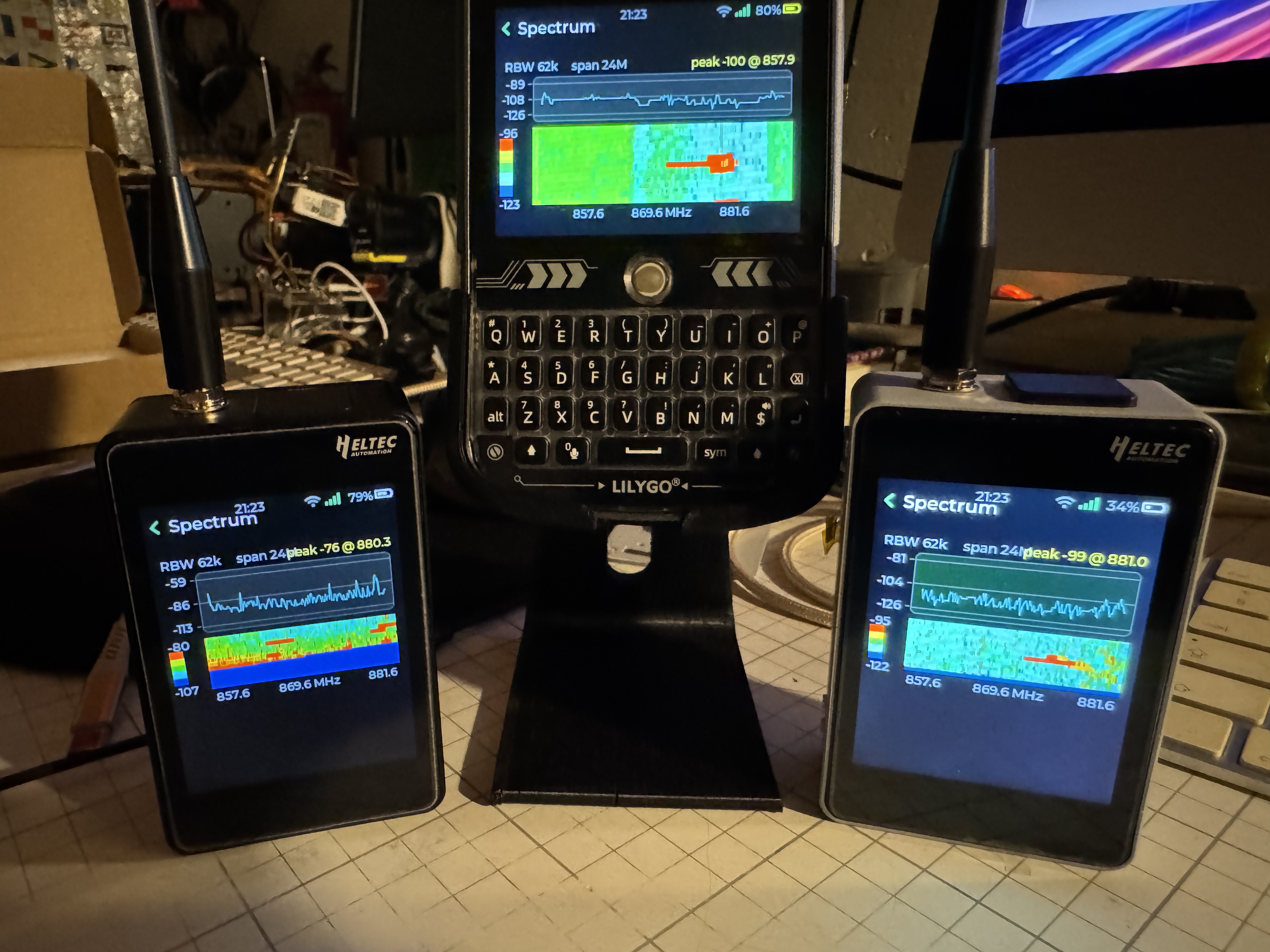
I saw that on Discord 
Only missing those sensors for temperature and humidity have ordered them it’s waiting for those yet for completing the kitv2
the stand is ready for it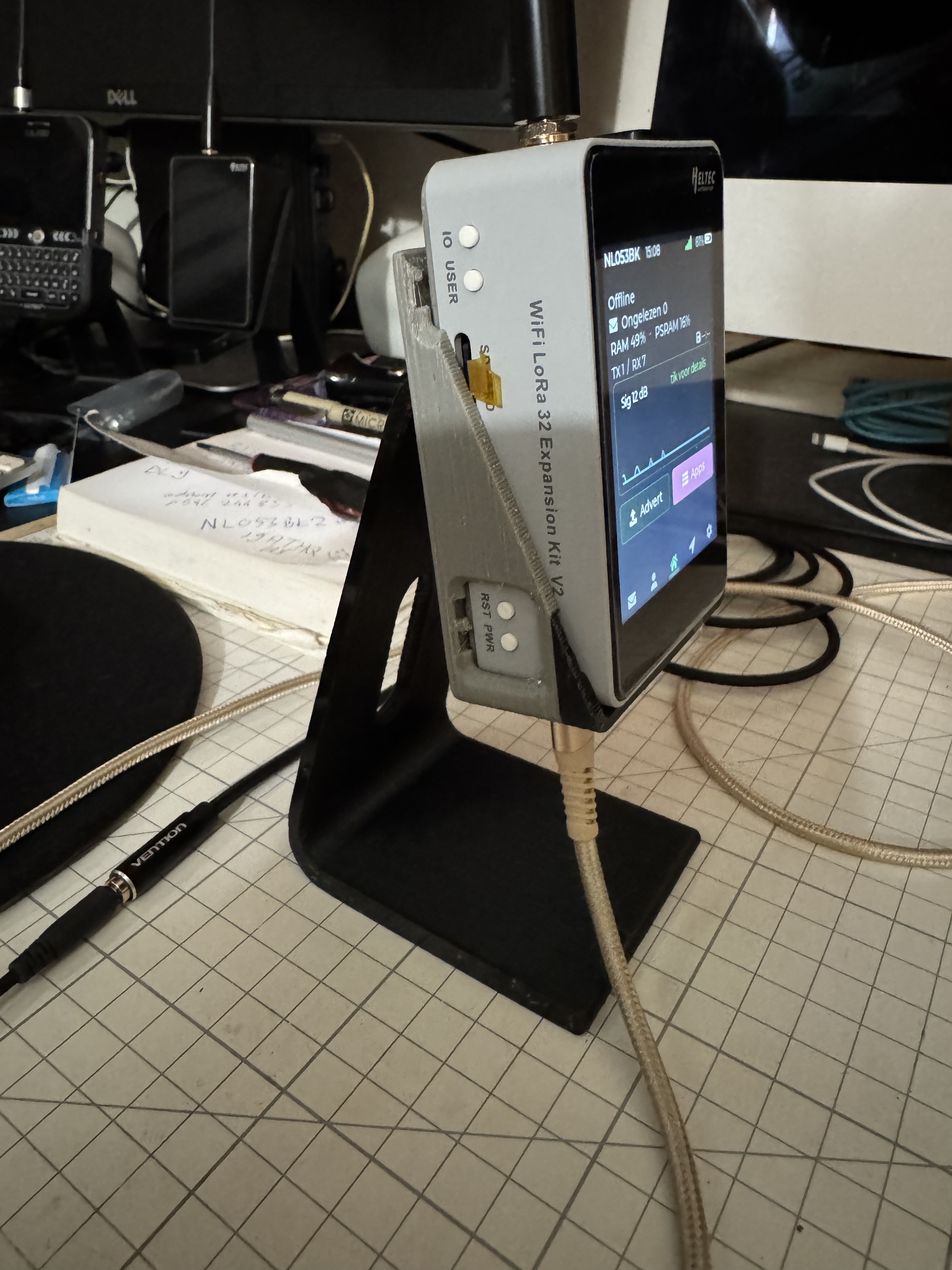

1 Like
Hi … firstly lovely stand, I have ordered and received my sensors that have been installed, I am hoping there is some kind of calibration as they are out considerably…using wadamesh its awesome  have a great weekend
Do you have 3d printer? It takes few hours and you have the same one😉
I have even printed a new backlid when we use the alloy back plate and we attached the clip in de inside the m3 nuts will toucht the 18650 and will not fit at all then I made the back lid 5 mm thick so the m3 nuts is little higher and imbedded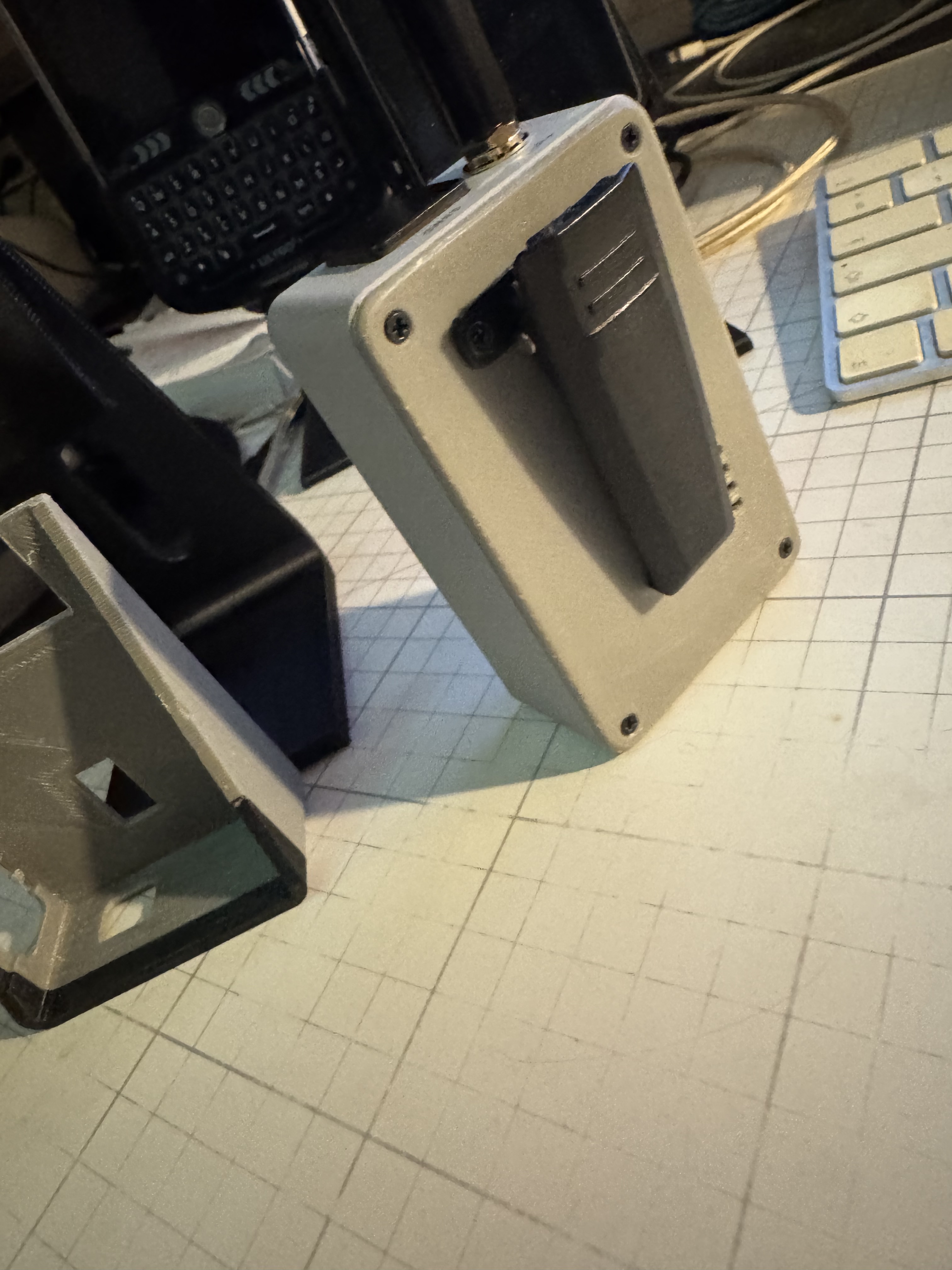
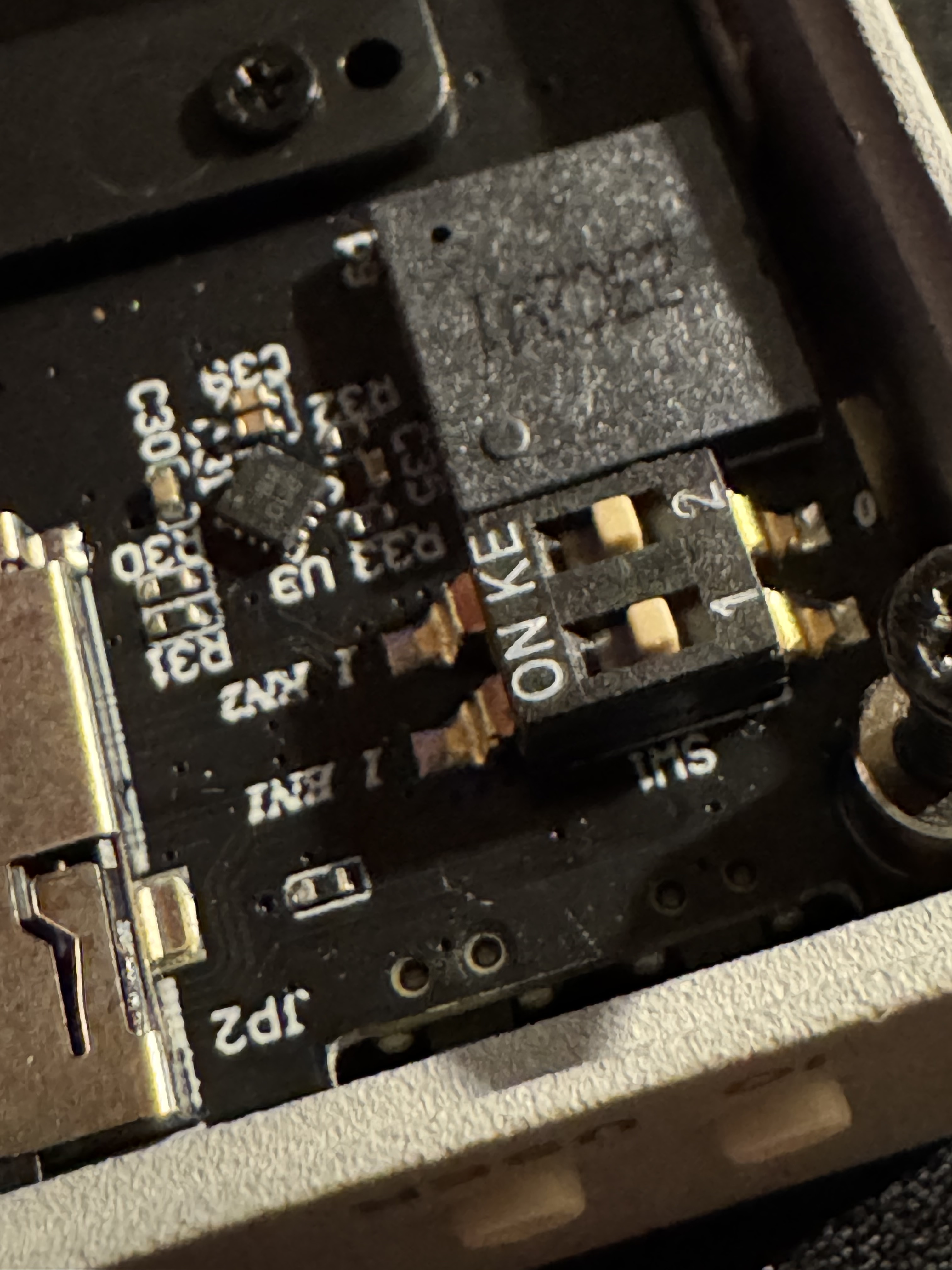
I assumed these buttons are to power the modules but I am not 100% sure i switched position when I inserted my modules…So I am also interested if this can be confirmed or not, along with is there any calibration tool for temperature pressure and altitude
Heltec V4-R8
- The buzzer works — it shipped disabled because the Expansion Kit V2’s driver-chip wiring was unconfirmed; Heltec’s schematic settled it (DIN = GPIO4, driver hardware-enabled). Still silent? The small SW1 switch on the expansion board is a hardware mute.
Any updates on what these two buttons are for ? Nothing in the online manual, also is there any way to calibrate the sensors once installed